Loading available collections…
Getting started
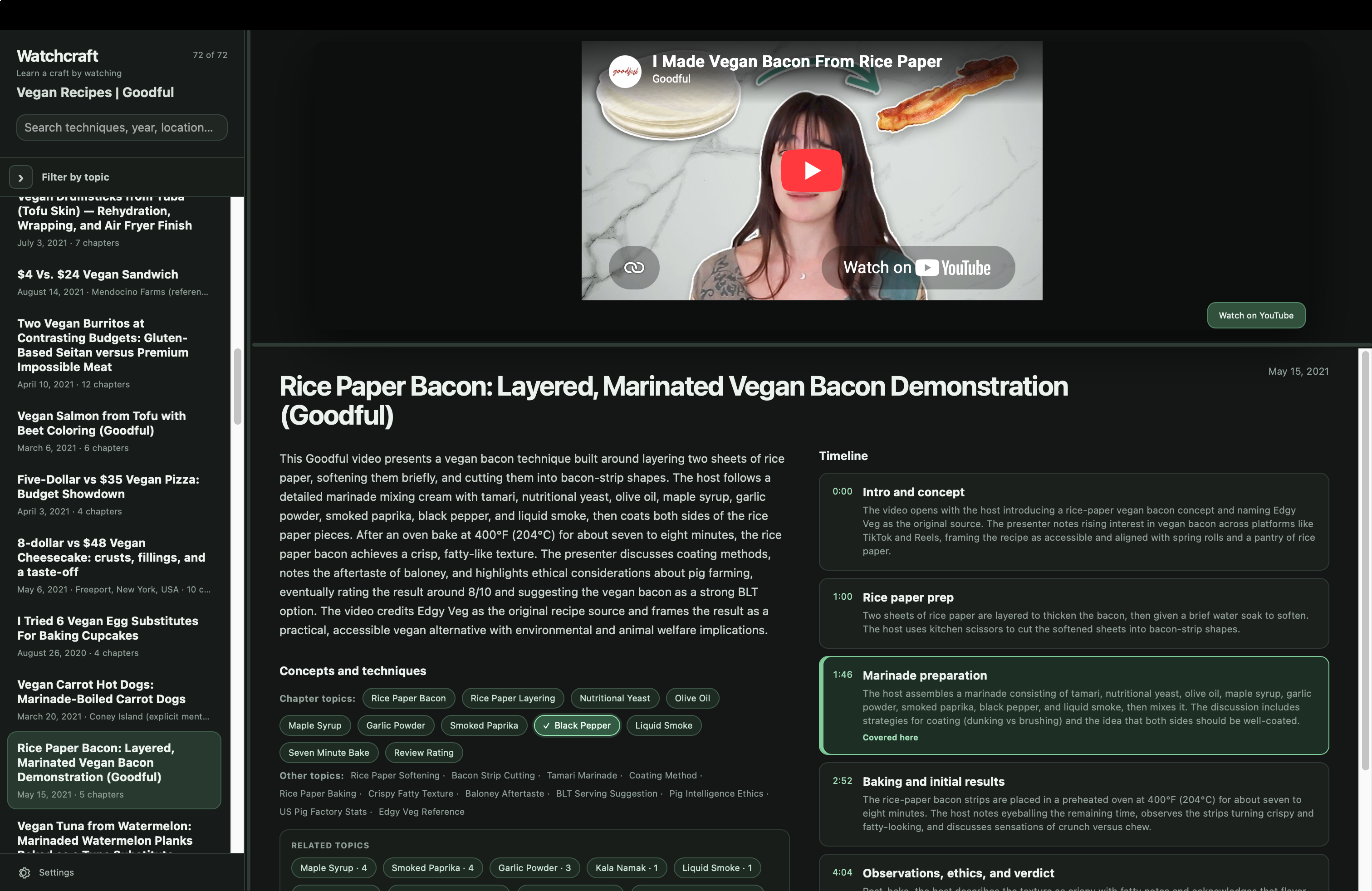
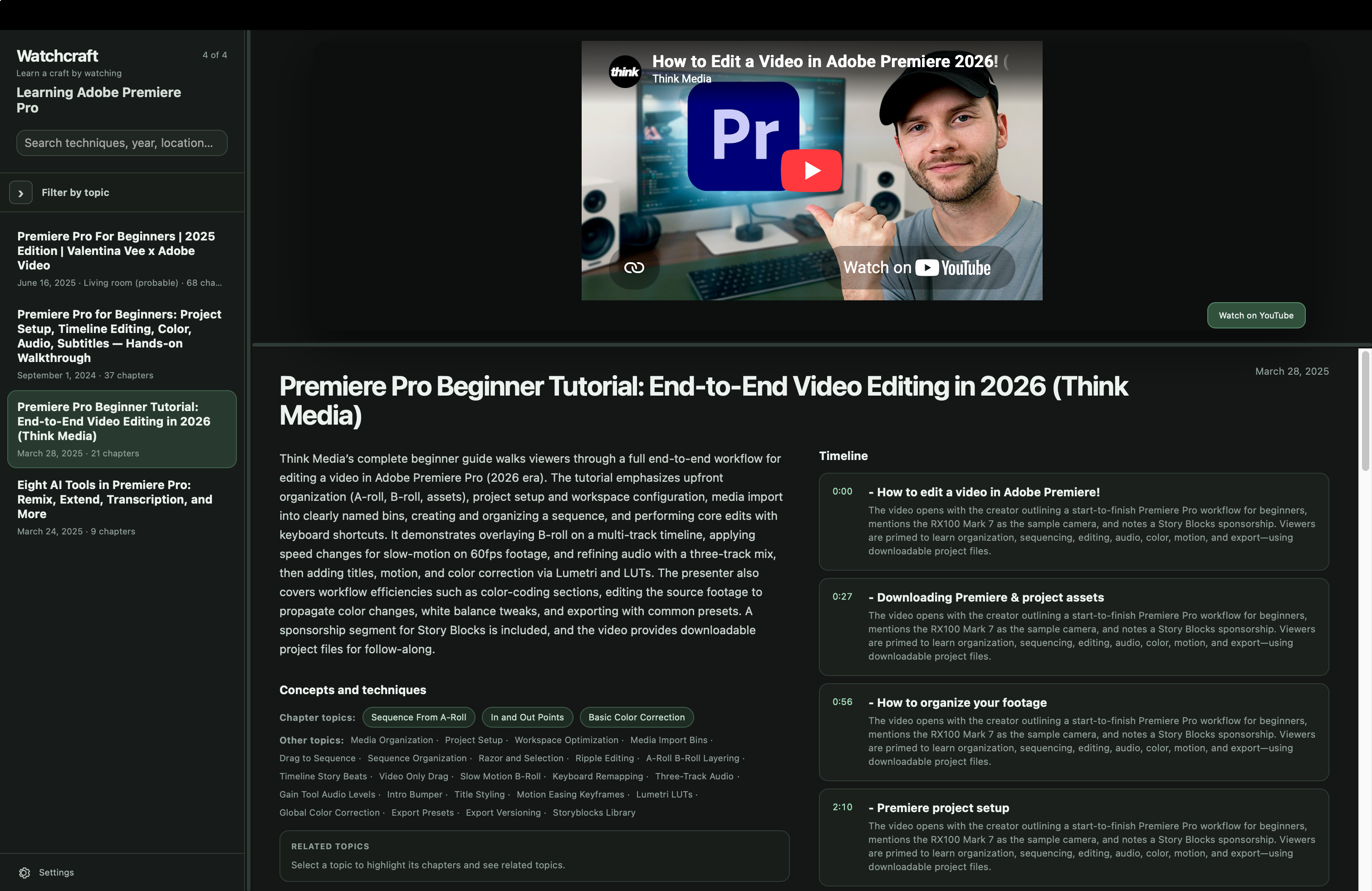
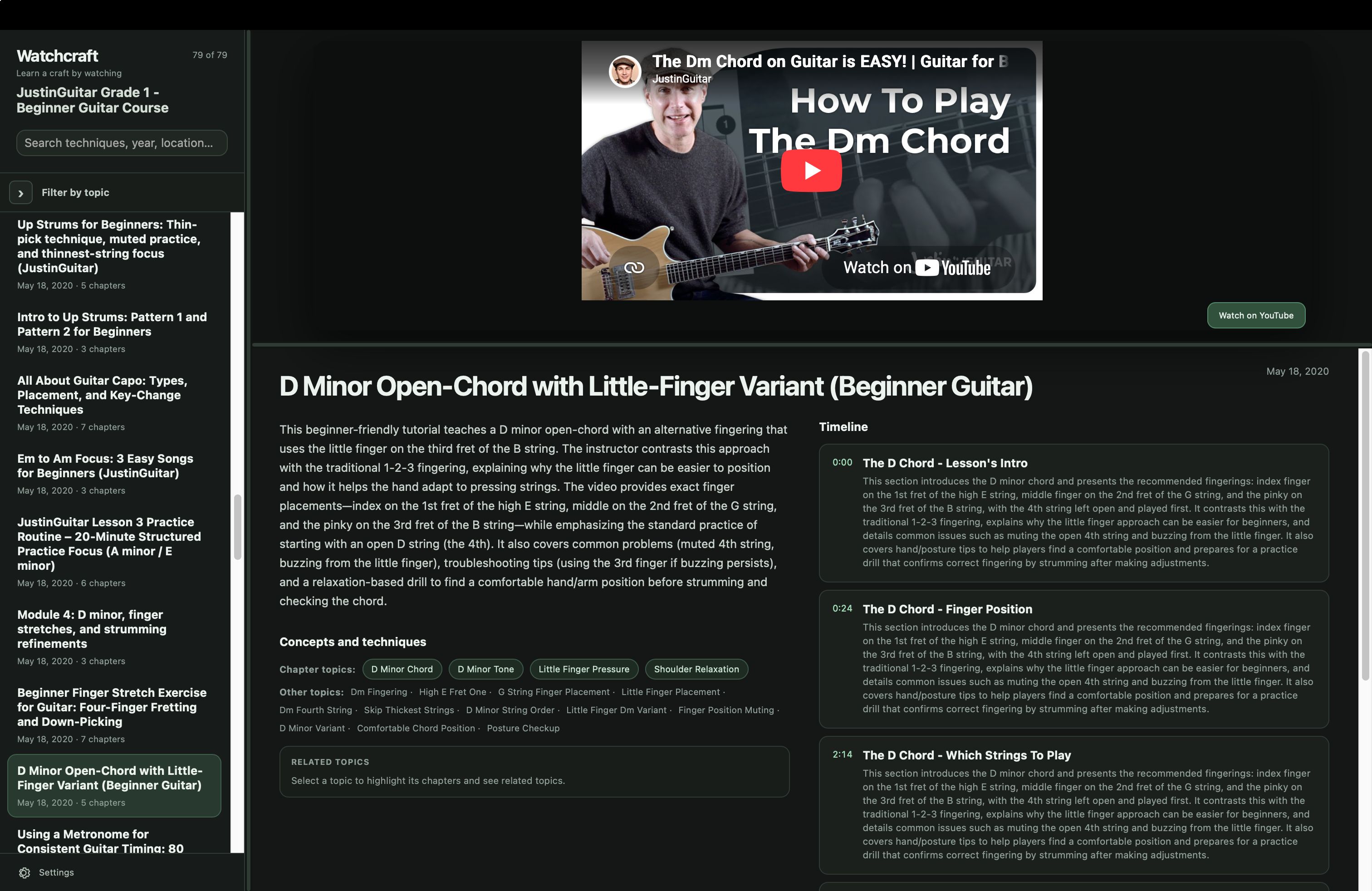
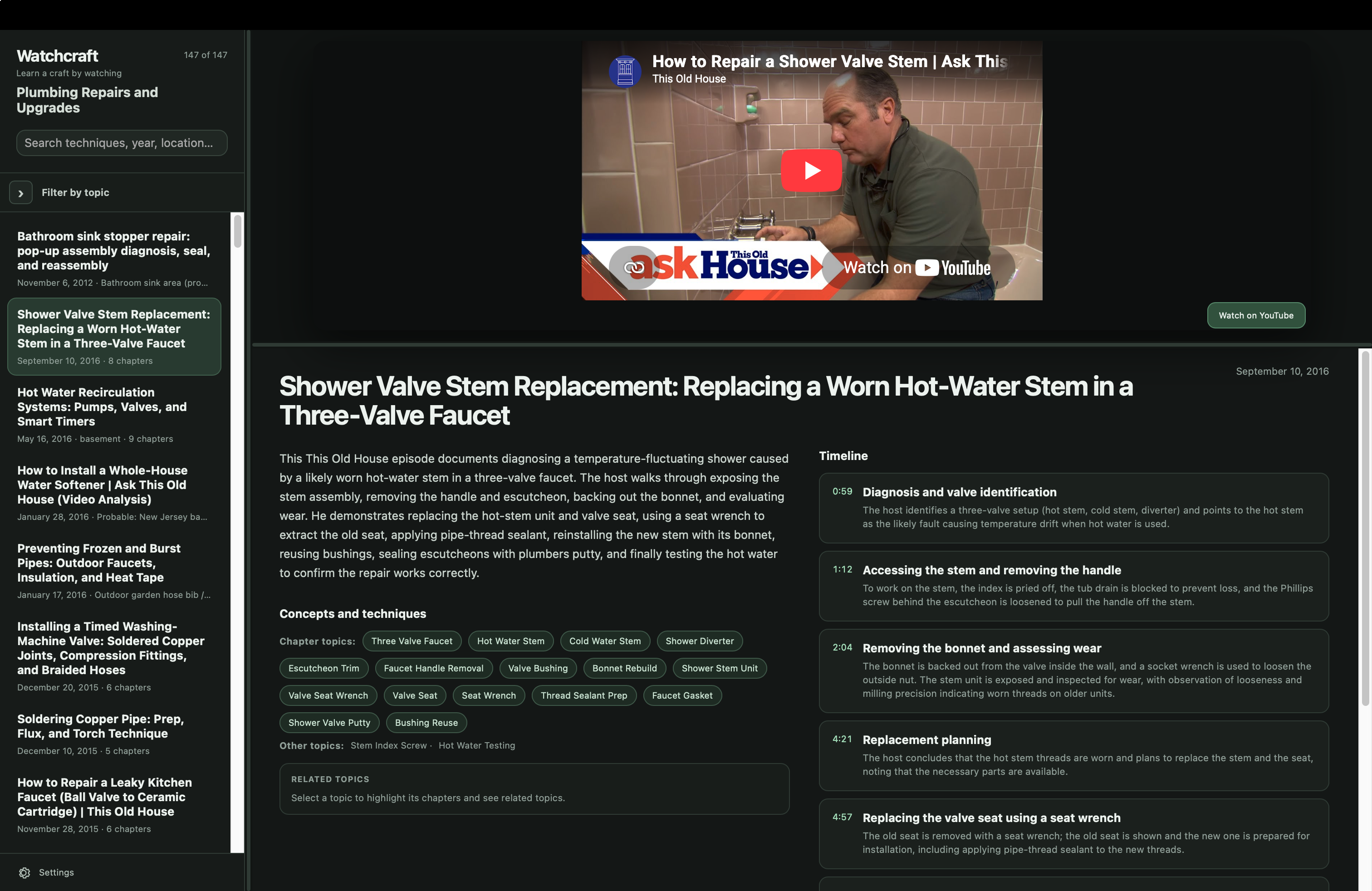
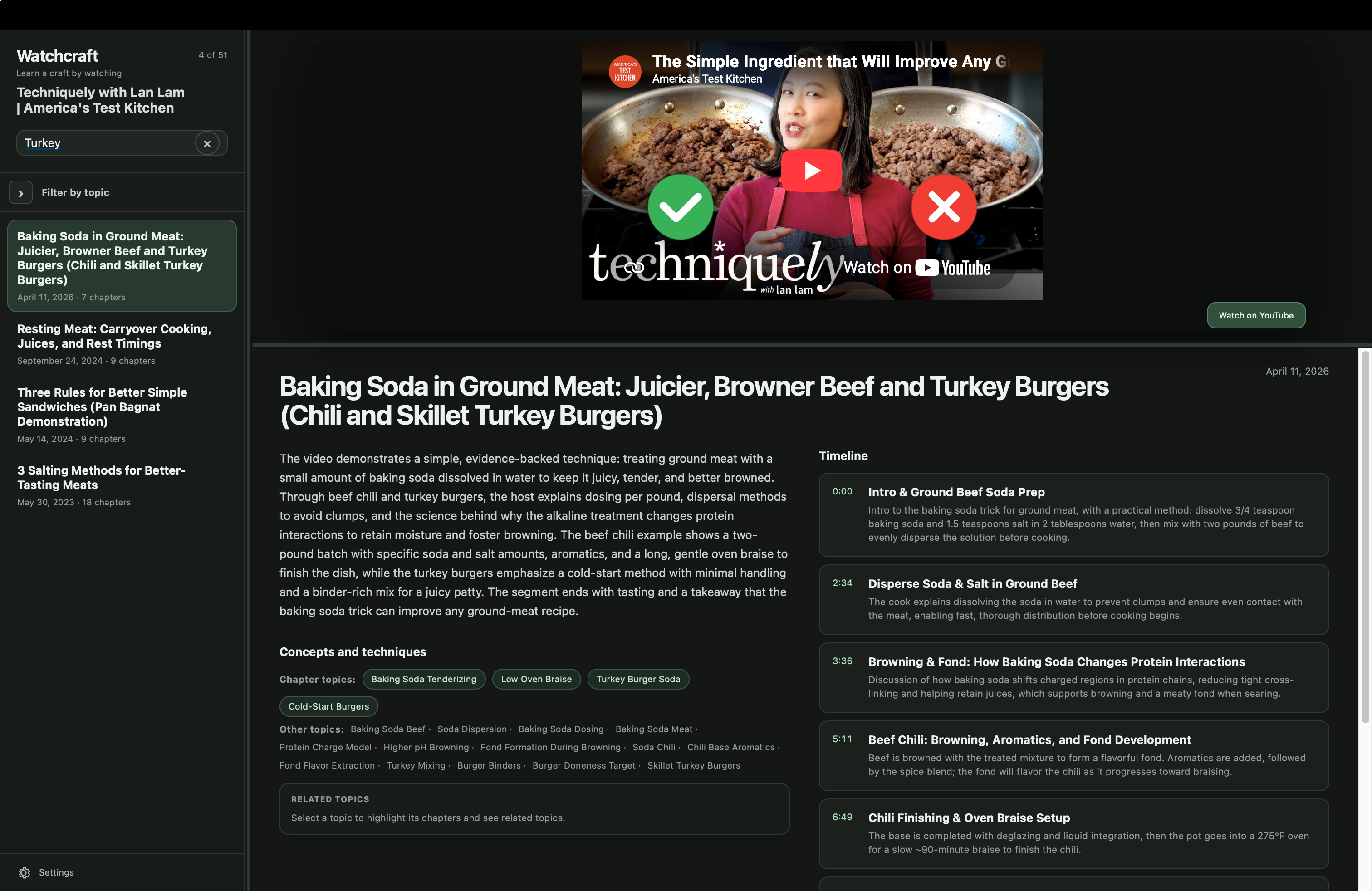
A collection can carry a small managed video, refer to videos already on your computer, or play web video such as YouTube.
Open a web-video collection instantly in your browser—there is nothing to install.
For collections that use videos on your computer, download the desktop app for macOS, Windows, or Linux.
Choose a featured collection below, or add any compatible collection URL from Watchcraft Settings.
Available collections
Loading featured collections…
Something missing? Suggest a video, playlist, or channel you’d like to see in Watchcraft. No account required.
Web-video collections can open in your browser or the desktop app. Collections using local videos require the desktop app.
Download Watchcraft
Beta and stable builds use separate storage, so you can test new versions without disturbing a production library.
Latest beta Beta
The macOS beta is signed and notarized by Apple. Windows builds are currently unsigned and may trigger Microsoft SmartScreen. Linux packages are installed manually.
Stable release Release
All published versions remain available on GitHub Releases.